Make the evidence card
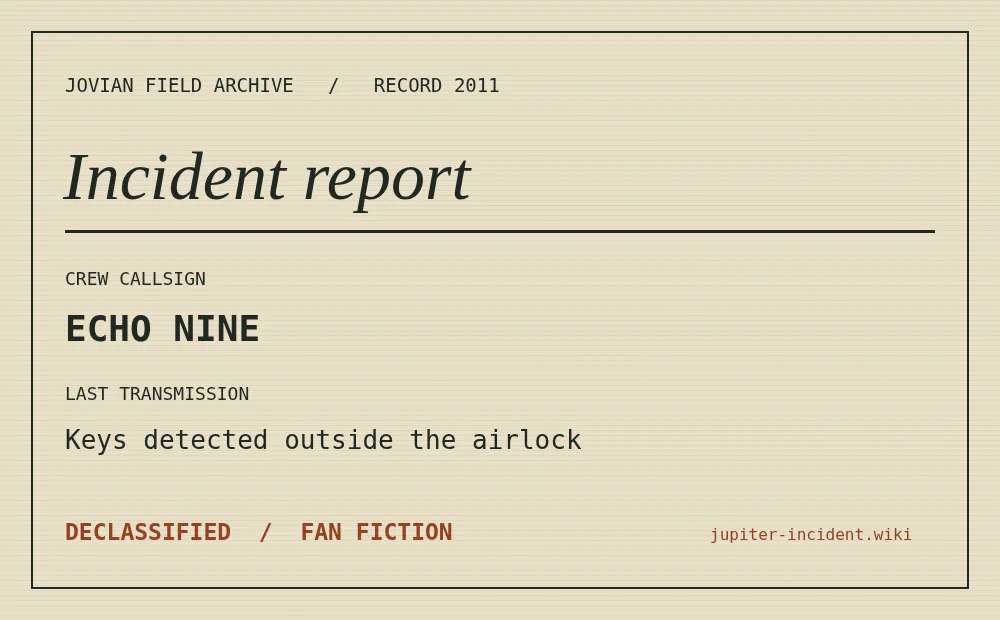
Open the incident report maker and expand Make a custom report. For this scene, enter POD CONTROL as the crew callsign and select Escape pod returned without a pilot under Last transmission. The preview shows what a reader will know before pressing play. Choose Download PNG to save the stamped card. You can do this on a phone without uploading a portrait.
Give the empty pod a sound
Open the black box mixer. Press Play tape. About four seconds in, tap Airlock hiss as if the hatch has just opened. Leave a few seconds for the pilot to answer, then tap Alert pulse. That pause makes the alarm mean something: the crew expected a voice and heard nothing. Listen back, then choose Export mix as WAV. If you want another take, Reset tape restores the starting cues.
Share it as a clip or let a friend choose the ending
For a short video, import the PNG as a still into your video editor, put the WAV underneath it and keep the picture on screen for the length of the tape. A caption such as Pod Control, fan transmission — who sent the pod back? leaves room for somebody to reply. The card and tape download as separate files.
For a playable ending, start a relay in the report maker. Choose a callsign, answer the first signal, then select Pass the signal. Send the link so your friend can open the next decision on their phone. After the third turn, save the finished crew log. If you prefer to draw the missing pilot yourself, the photos and fan art guide links to the original artwork and to a community gallery where creators share their own versions.